
Logo system
Write LA: Reborn in copy. Set LA/REBORN only in the wordmark.
Use the red slash and light lettering on asphalt, or red slash and asphalt lettering on light. Use mono for dark single-colour ink and reversed for light single-colour ink. All logo files have transparent backgrounds.
Horizontal



Stacked




Compact LA/


Sizes and spacing
Measure the height of the L in the mark. Keep at least one quarter of that height clear on each side, measured from the outermost ink. Scale the whole lockup together. Use the pixel-tuned favicon below the compact mark’s minimum.
| Lockup | Minimum width | Use |
|---|---|---|
| Horizontal | 112 px | Top bars, credits and wide layouts |
| Stacked | 96 px | Narrow layouts with room for two lines |
| Compact LA/ | 28 px | Tight spaces and avatars |

Misuse
Keep the original proportions, fills and paths. Avoid stretching, recolouring, effects and placement over busy imagery.
Site icons
Use the SVG favicon where available and the 16, 32 and 48 px PNGs when raster files are needed. Pair 192 and 512 px PWA icons with purpose any. Use the separately exported maskable pair with purpose maskable. Maskable files are opaque to the edges and keep the entire mark inside a centred circle with radius 40% of the canvas.
 16
 32
 48






Colour
- Step from asphalt to panels, controls and raised keycaps. Use the 8% hairline for dividers and 16% for component edges.
- Use primary or secondary ink for small copy, including footer notes and inactive menu labels. Reserve muted for decorative details and AA large text on the four dark surfaces.
- Use tail-light red for the slash, selected marker, primary action and streaks. Use red ink for text on dark, including tips and errors. Set primary button labels in asphalt on both red fills.
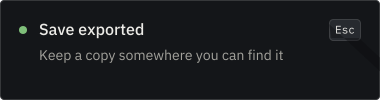
- Keep sodium amber inside imagery and the tachometer. Use green only for positive status and pair every status light with a label.
- Build depth with solid surface steps and hairlines. Keep glows, neon outlines, hue gradients, glass, blobs and sparkles out of the kit.
Text contrast
Ratios use WCAG relative luminance. AA requires 4.5:1 for normal text and 3:1 for large text. Use 24 px as the minimum for large-text exceptions in this kit. Values are shown rounded. Pass labels use unrounded values.
| Ink / surface | --bg | --s1 | --s2 | --s3 | --text | --red | --red-hover |
|---|---|---|---|---|---|---|---|
--text | 16.40:1AA | 15.20:1AA | 13.71:1AA | 12.07:1AA | 1.00:1Below AA | 3.48:1Large only | 3.06:1Large only |
--text-2 | 7.65:1AA | 7.08:1AA | 6.39:1AA | 5.63:1AA | 2.15:1Below AA | 1.62:1Below AA | 1.43:1Below AA |
--muted | 4.24:1Large only | 3.92:1Large only | 3.54:1Large only | 3.12:1Large only | 3.87:1Large only | 1.11:1Below AA | 1.27:1Below AA |
--red-ink | 7.01:1AA | 6.50:1AA | 5.86:1AA | 5.16:1AA | 2.34:1Below AA | 1.49:1Below AA | 1.31:1Below AA |
--bg | 1.00:1Below AA | 1.08:1Below AA | 1.20:1Below AA | 1.36:1Below AA | 16.40:1AA | 4.71:1AA | 5.37:1AA |
The existing screen stylesheet uses muted ink for some small labels and white ink on its red buttons. This kit uses secondary ink for those small labels and asphalt ink on both red fills to meet AA.
Typography
Load your disc
Building the game
Bring your own copy of the game
Export your saves from Settings before a reinstall
410 MB/s · 0:07
| Role | Family and weight | Size and line height | Tracking | Case |
|---|---|---|---|---|
| Hero display | Barlow Condensed 600 | 48–96 px · .94 | −.005em | Uppercase |
| Screen heading | Barlow Condensed 600 | 56 px desktop · 40 px small · 1 | 0 | Uppercase |
| Section heading | Barlow Condensed 600 | 28 px · 1.5 | 0 | Uppercase |
| Menu | Barlow Condensed 600 | 34 px desktop · 20 px small · 1.05 | .02em | Uppercase |
| Action | Barlow Condensed 600 | 18 px · 1.5 | .06em | Uppercase display |
| Body | IBM Plex Sans 400 / 500 | 16 px · 1.5 · hero lede 18 px | 0 | Sentence case |
| Small | IBM Plex Sans 400 / 500 | 12–14 px · 1.5 | 0 | Sentence case |
| HUD and figures | IBM Plex Mono 400 / 500 | 12–14 px labels · 24–40 px readouts | 0 · .04em eyebrows | Sentence case |
Use uppercase for display and menus. Keep body text, status labels and readouts in sentence case.
Input prompts
 Select
 Back

 Change tab
- Use the connected pad’s layout or the keyboard mapping. Pair every symbol with a sentence-case action such as Select, Back or Change tab.
- Use 22 px circular faces, 20 px bumpers and 22 px keycaps. Controller legends use IBM Plex Sans 500 at 11 px (10 px on bumpers, .04em tracking). Key legends use IBM Plex Mono 400 at 11 px.
- Use surface 3, light ink and the 16% inset hairline. Give keyboard caps a 2 px bottom inset. Keep the 10 px PlayStation symbols on a 1.5 px neutral stroke.
Xbox
 B
 X
 Y
 LB
 RB
PlayStation
 Cross
 Square
 Triangle
 L1
 R1
Keyboard
 Esc
 X
 Y
 Up
 Down






































Each prompt links to its SVG. Find the matching PNG sizes in the file inventory.
Motifs
Los Angeles at 2 a.m. from behind the wheel. Keep the asphalt dark, the tail lights sharp, and the dashboard legible. Let sodium light and wet reflections carry the atmosphere.
Use original scenes and vehicles. Keep Rockstar Games, Midnight Club and Take-Two logos, game fonts, menu art, screenshots, car renders and trade dress out of every asset. Leave out real car badges, recognisable car designs and real business logos. Name the game in plain text.
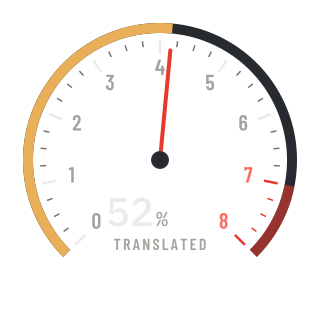
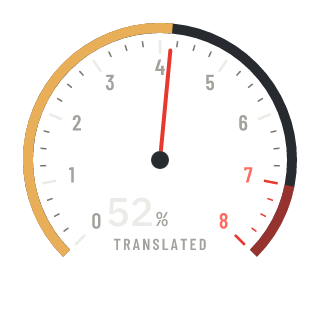
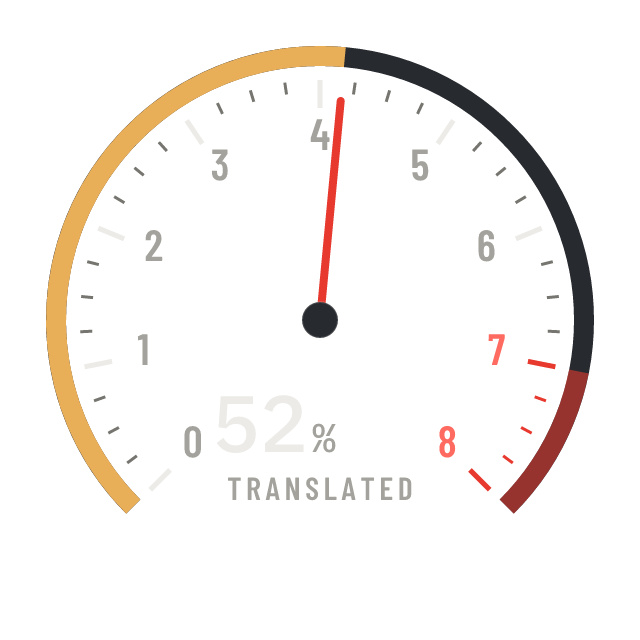



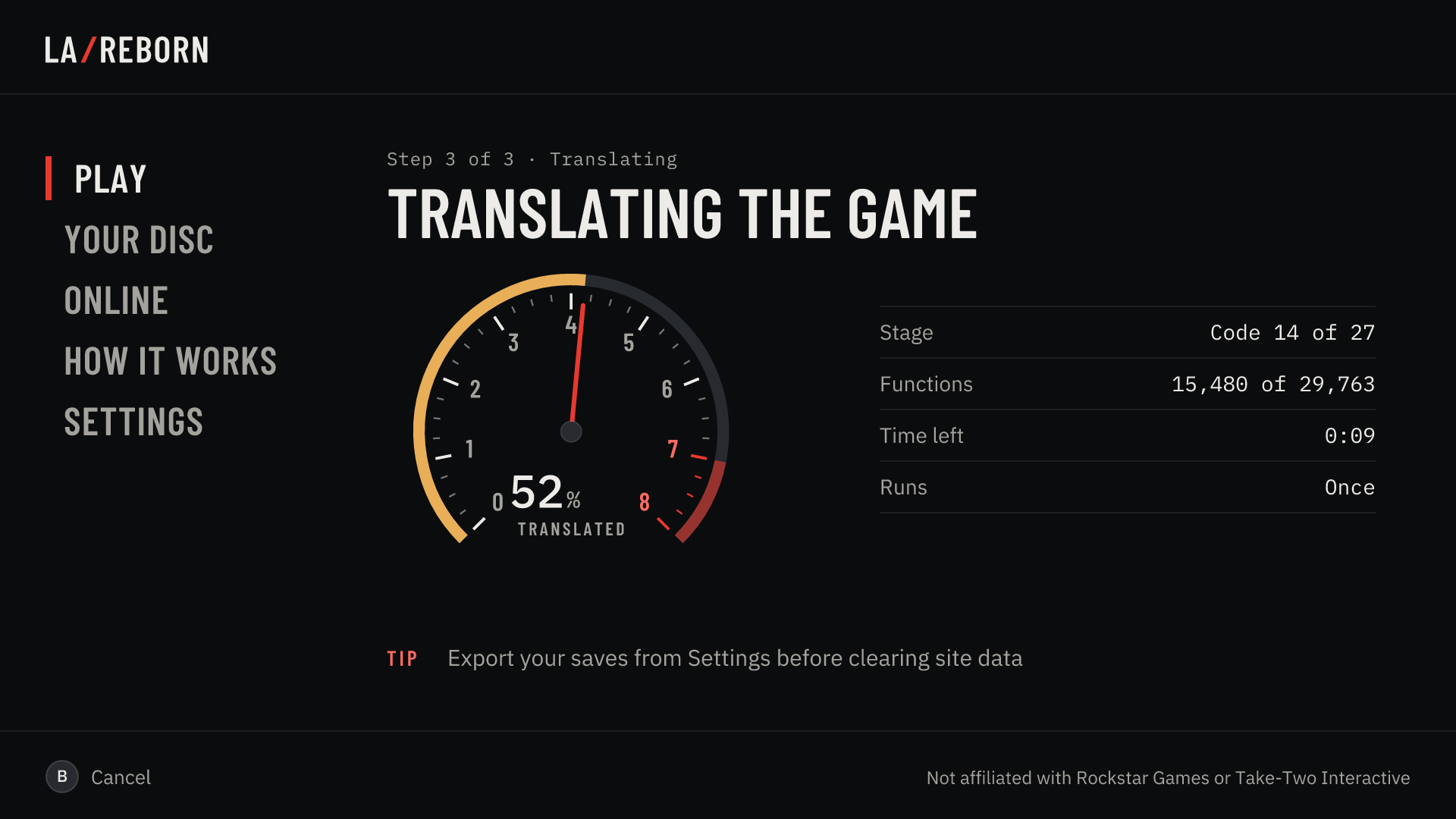
Tachometer construction
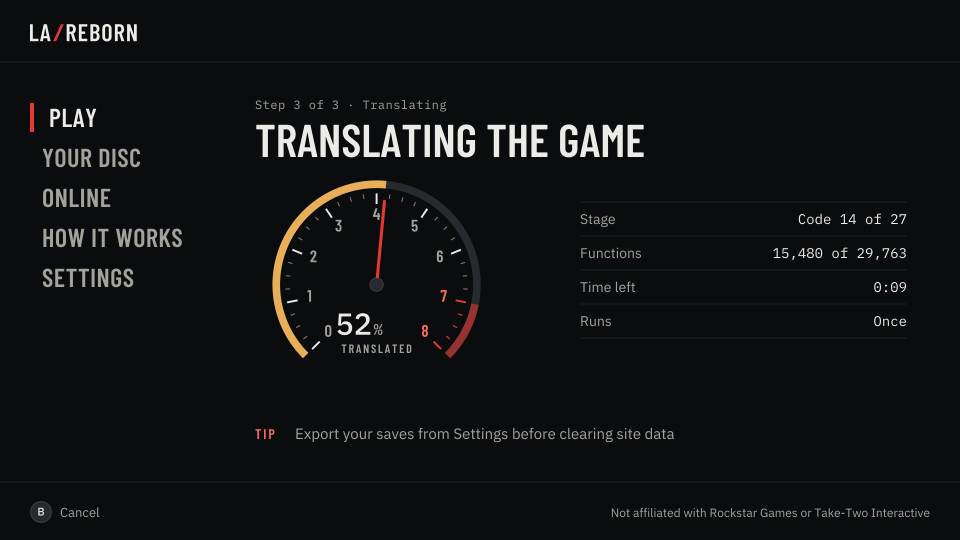
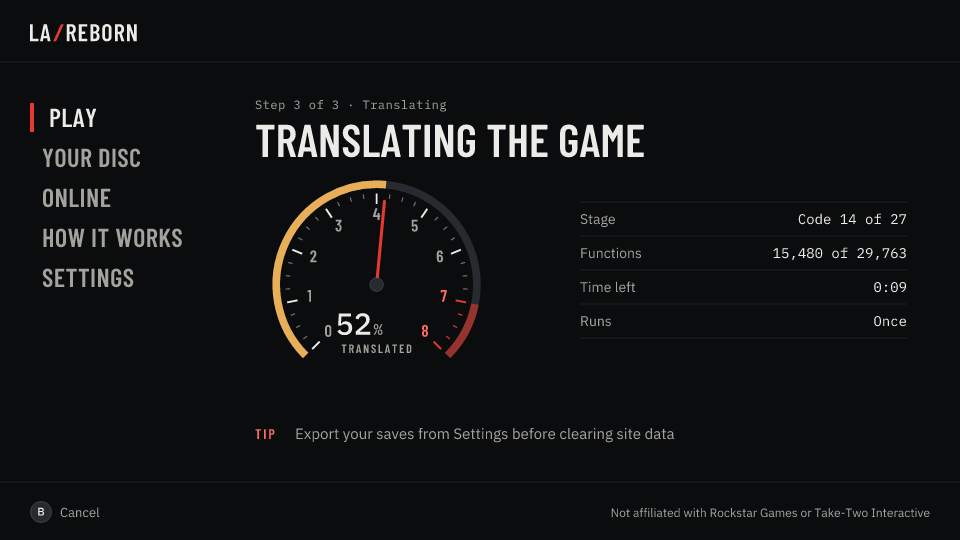
The 320 × 320 component sweeps 270° clockwise from 135° to 405° about (160, 160), measured from the right. Use a 132 px track radius and a 10 px stroke. The redline starts at 87.5% (371.25°). Group the track, redline, progress, 33 ticks, 0–8 dial numbers, needle and readout separately. Amber marks active progress below redline. Switch the arc to tail-light red at redline. Keep the needle red throughout. The needle extends 110 px from the centre and the hub radius is 9 px.
For live use, clamp progress to 0–100%, move the needle and fill together, and show the current stage and numeric percentage in text. Follow the site’s 600 ms gauge ease, 120 ms menu selection and 200 ms screen wipe. Snap to state under reduced motion.
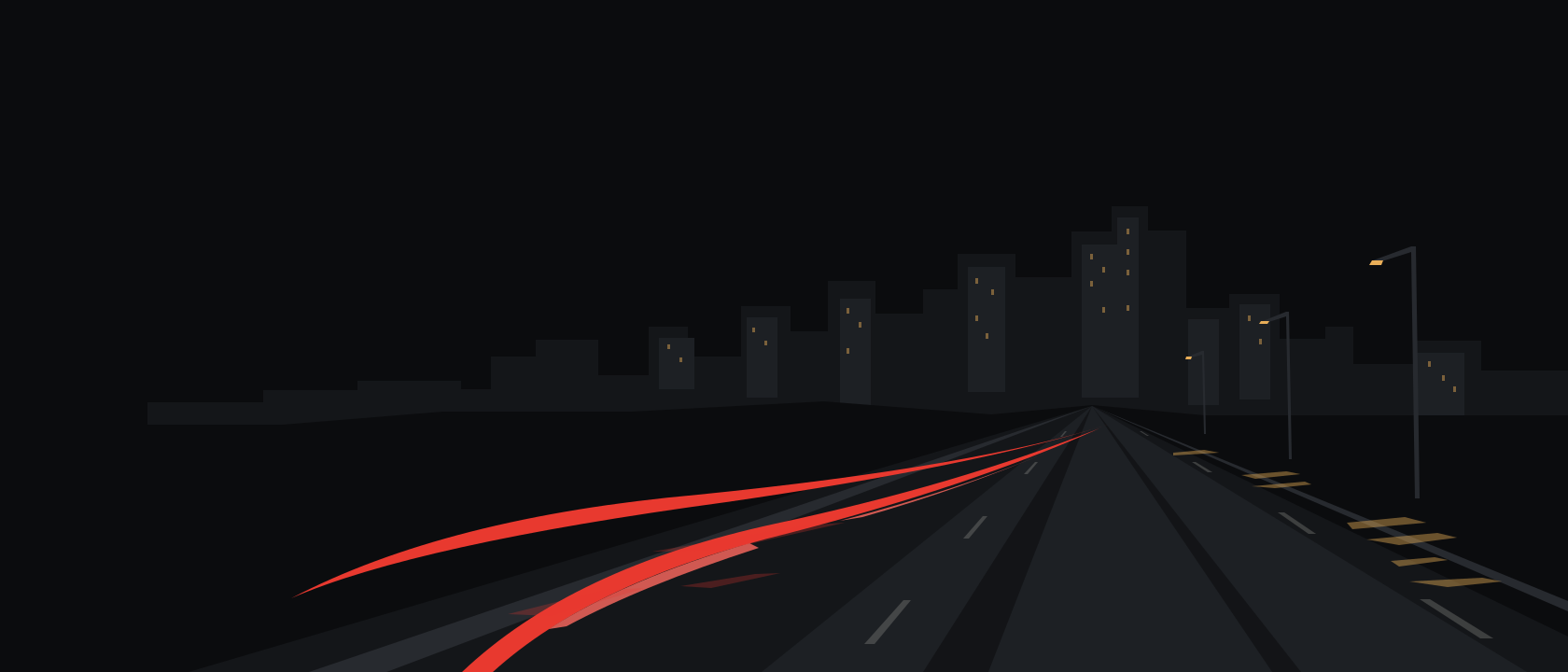
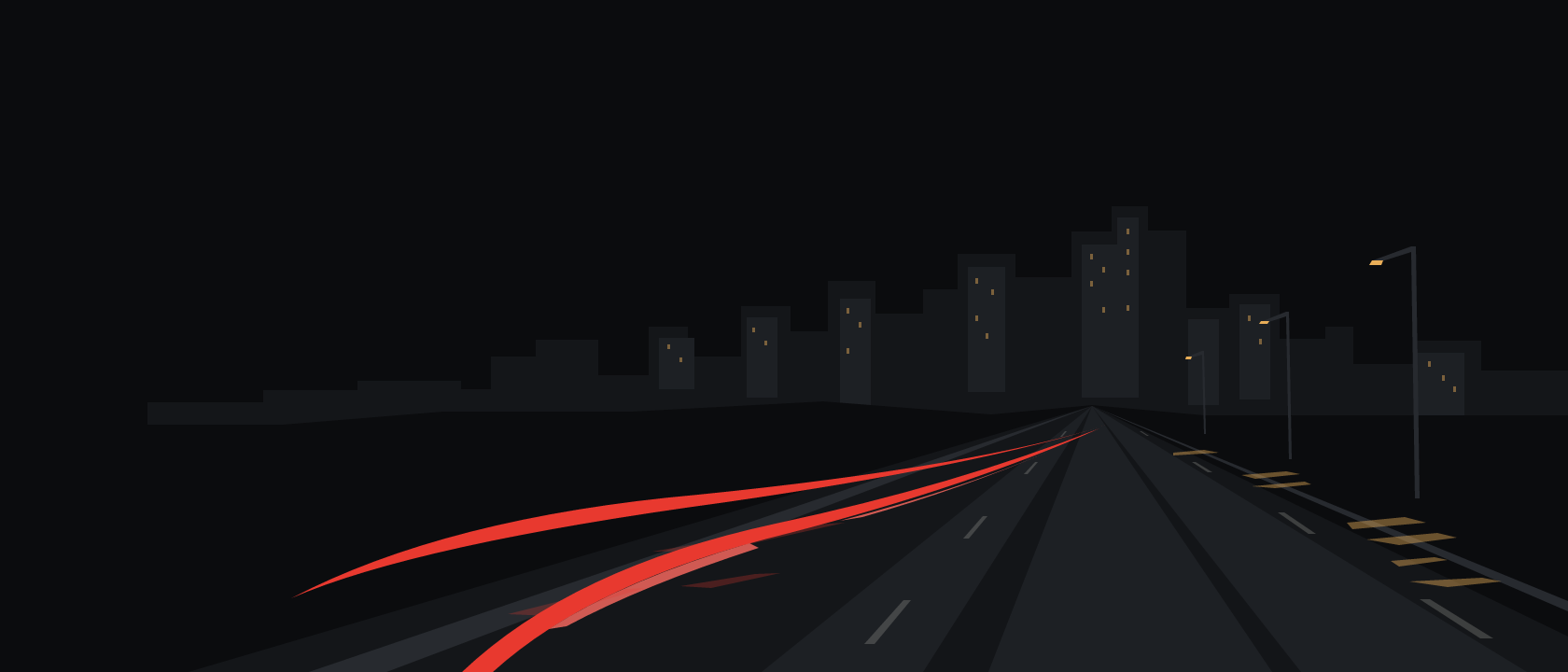
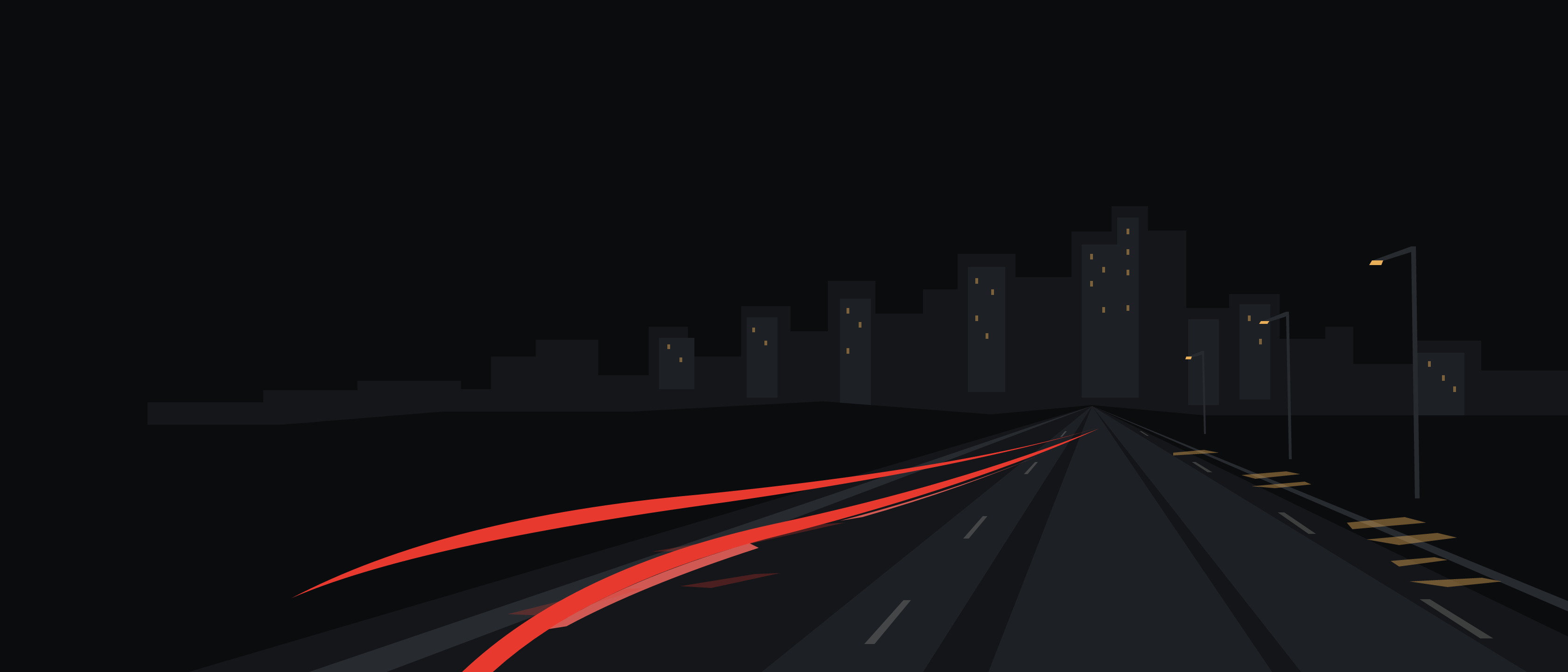
- Place a low horizon and right-hand vanishing point below a dark, quiet text area. Use anonymous building silhouettes, wet asphalt, crisp reflections and sparse streetlights.
- Build the streak motif from two tapering red lines and a short broken reflection. Follow the road perspective and keep streaks outside copy and controls.
- Keep marks off busy imagery. Give type a quiet area or a solid asphalt backplate.
Image-generation prompts
- Wide hero · 21:9
A low driver’s-eye view just behind a fictional unbadged sports coupe on a wet downtown Los Angeles side street at 2 a.m. Keep the upper left third in quiet near-black sky and place the coupe and vanishing point in the right half. Two red tail-light streaks run along the wet road, with a few sodium streetlights and anonymous tower silhouettes. Grounded night photography, restrained exposures and crisp reflections, no glows, logos, text, readable plates, recognisable car brands or game imagery. Aspect ratio 21:9.
- Square key art · 1:1
At wheel height from a parked car, look past a fictional unbadged coupe turning out of an empty Los Angeles parking structure at 2 a.m. Frame the red tail lights in the lower right. Let a single sodium streetlight and wet concrete define the lane, with near-black negative space on the left. Restrained night photography, crisp highlights, no glows, logos, text, readable plates, recognisable car brands or game imagery. Aspect ratio 1:1.
- Vertical key art · 9:16
A driver’s-eye view through an unbranded windshield on a downhill Los Angeles street at 2 a.m. Place the dark skyline and a small fictional unbadged coupe low in the frame. Wet asphalt catches broken red reflections, with isolated sodium streetlights and a faint analogue dial rim at the bottom edge. Leave the upper third empty and dark. Grounded night photography, no glows, logos, text, readable plates, recognisable car brands or game imagery. Aspect ratio 9:16.
Interface






Voice and tone
Lead with the action or next step. Use everyday words and sentence case in copy. Leave out exclamation marks and trailing periods on headings, labels and buttons. Say “on your PC”, “builds the game on your PC from your own disc” and “Online free roam opens in the beta”.
| Moment | Use | Avoid |
|---|---|---|
| Welcome | Play Midnight Club: Los Angeles on your PC | Welcome to the LA: Reborn platform |
| Returning player | Pick up where you left off | Resume the previous session |
| Primary action | Choose your disc | Proceed |
| Loading stage | Building the game | Processing your request |
| Loading tip | Export your saves from Settings before a reinstall | Remember to back up your data |
| Loading tip | Plug in your controller before you start | Prepare your peripherals |
| Disc error | This disc is a different edition. Use the Xbox 360 Complete Edition | Invalid input |
| Storage error | Free up some disk space, then try again | Operation failed |
| Beta invite | You’re invited to the free beta. Bring your own copy of the game | Your access has been provisioned |
| Discord announcement | Online free roam opens in the beta. We’ll post invite dates here | See the announcements channel for more information |
Font licences
Barlow Condensed, IBM Plex Sans and IBM Plex Mono use the SIL Open Font License 1.1. The visual guide loads the WOFF2 files already bundled with the site. SVG lettering is outlined so the masters render without installed fonts.
File inventory
Social assets
Use the 1× PNG at the stated platform size. Keep the full affiliation line on the solid footer where space permits. Use the compact mark by itself on the Discord icon. In the thumbnail master, replace the two outlined lines in episode-title with a short Barlow Condensed 600 headline, at or below 112 px. Keep it left of the busy street, outline the new type before export and update the SVG description. Keep the lower right clear of copy.
Discord role colours
Role names carry the meaning. Use the platform default where custom ink is hard to read.